

Finds them. Lifts them out. Frames the face.
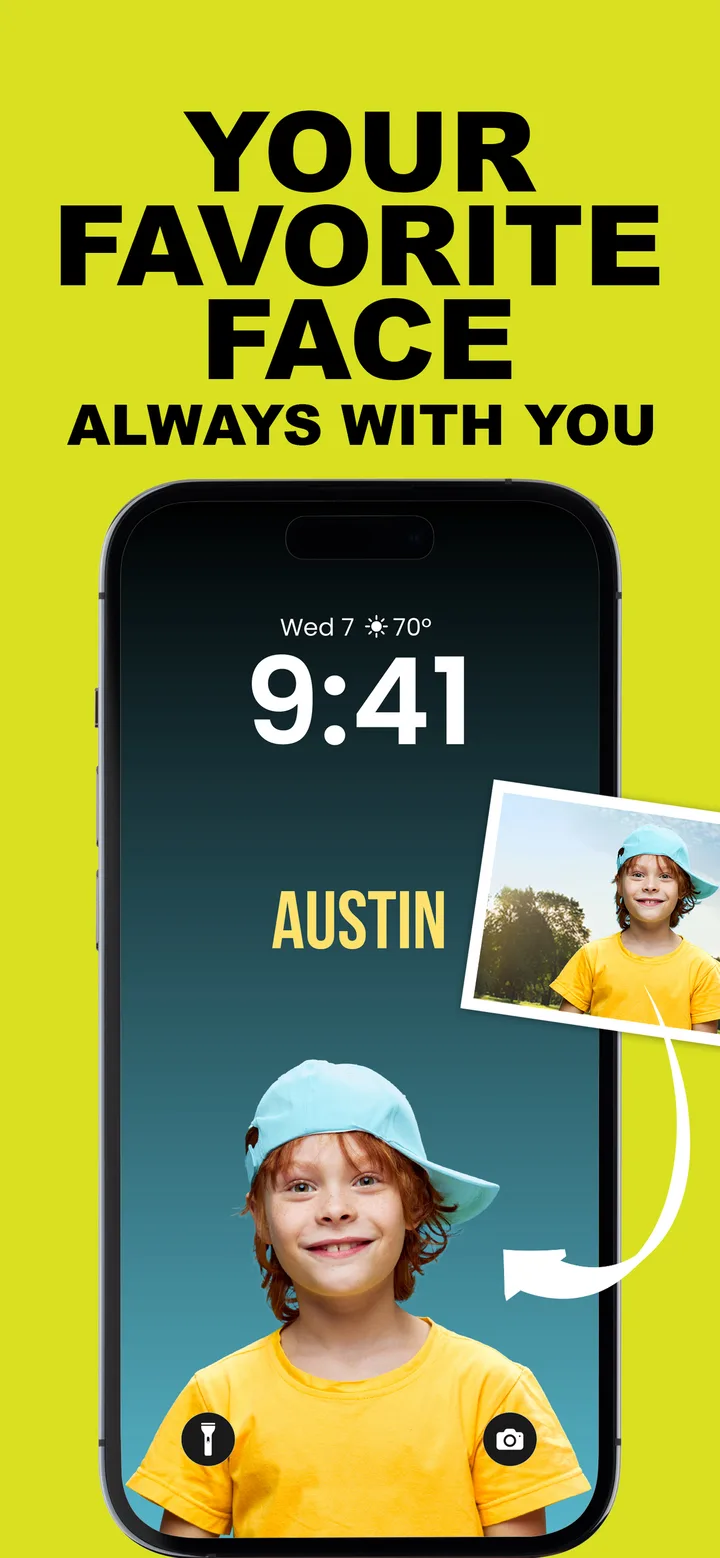
Pick a photo and WallyPaper cuts out your kid or pet in seconds, then places them with their face in view, clear of the clock and controls.
If nothing is detected, tap Use Whole Photo and carry on.

WallyPaper lifts your kid or pet out of any photo, drops them on a backdrop you choose, and adds their name. Four easy steps, entirely on your iPhone.
From camera roll to Lock Screen in about a minute. No tracing, no green screen, no account.
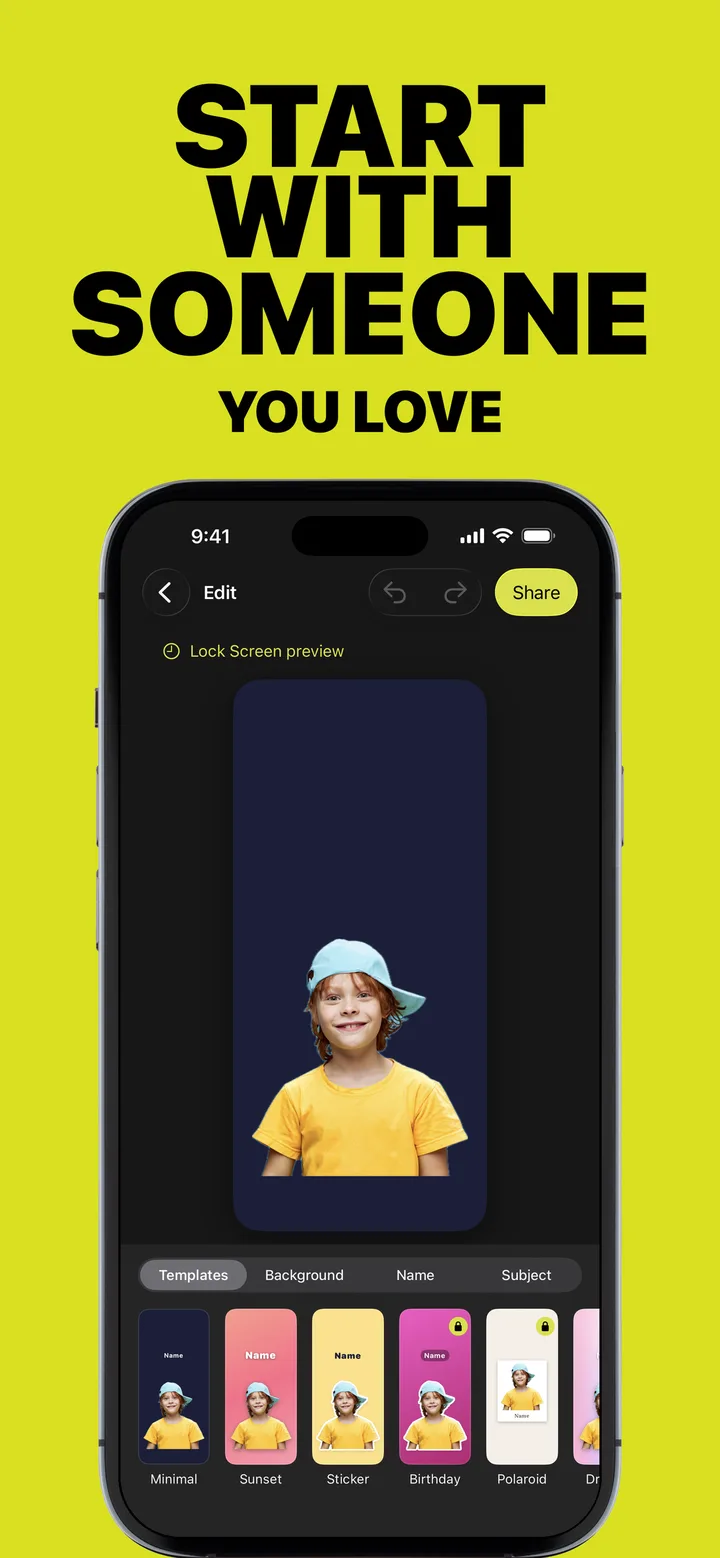
Choose a photo or take a new one. WallyPaper finds your kid or pet, lifts them off the background and frames them with their face in view.
Tap a template. Stylize your photo, pick a holiday theme, or build your own look from solid backdrops and gradients.
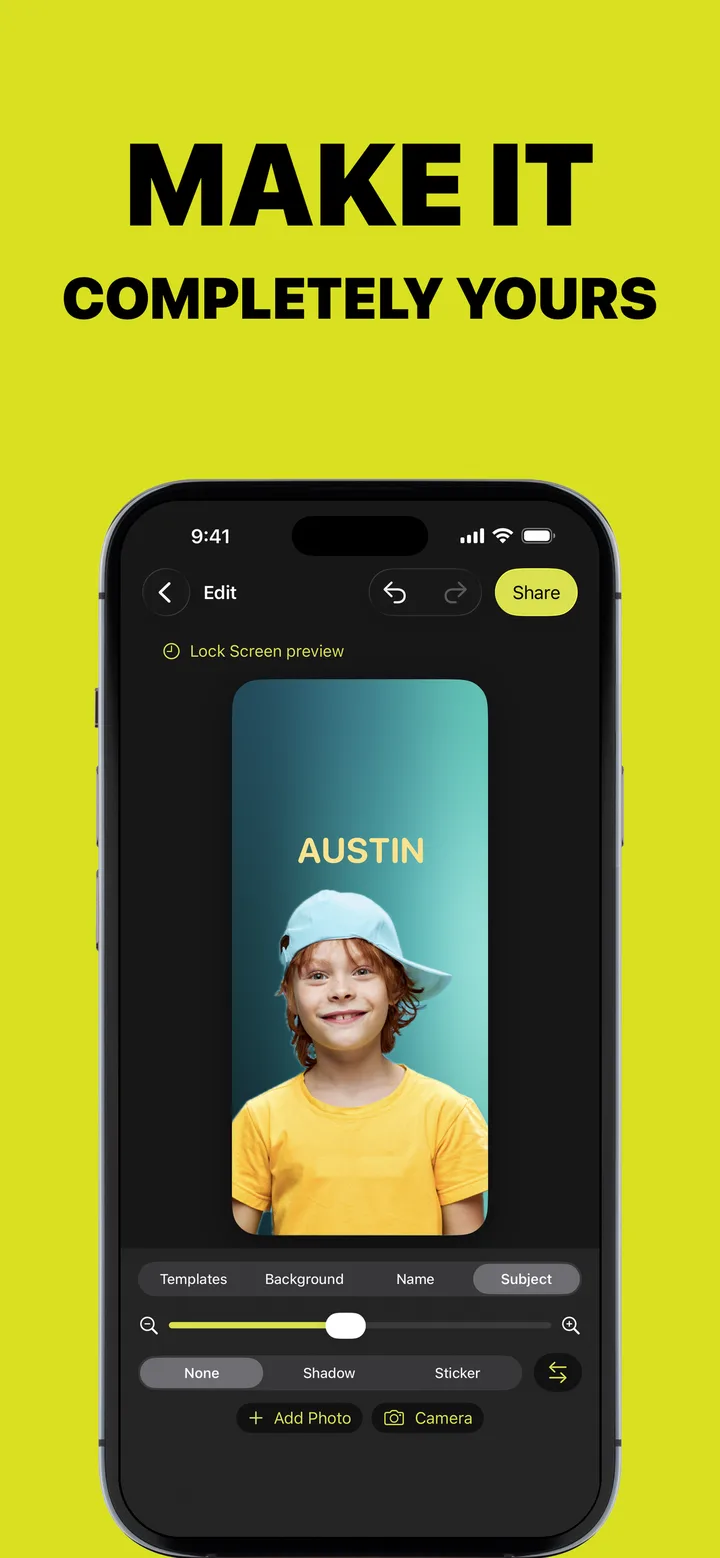
Add a name or nickname. Pick a font and style, and place it wherever it looks best.
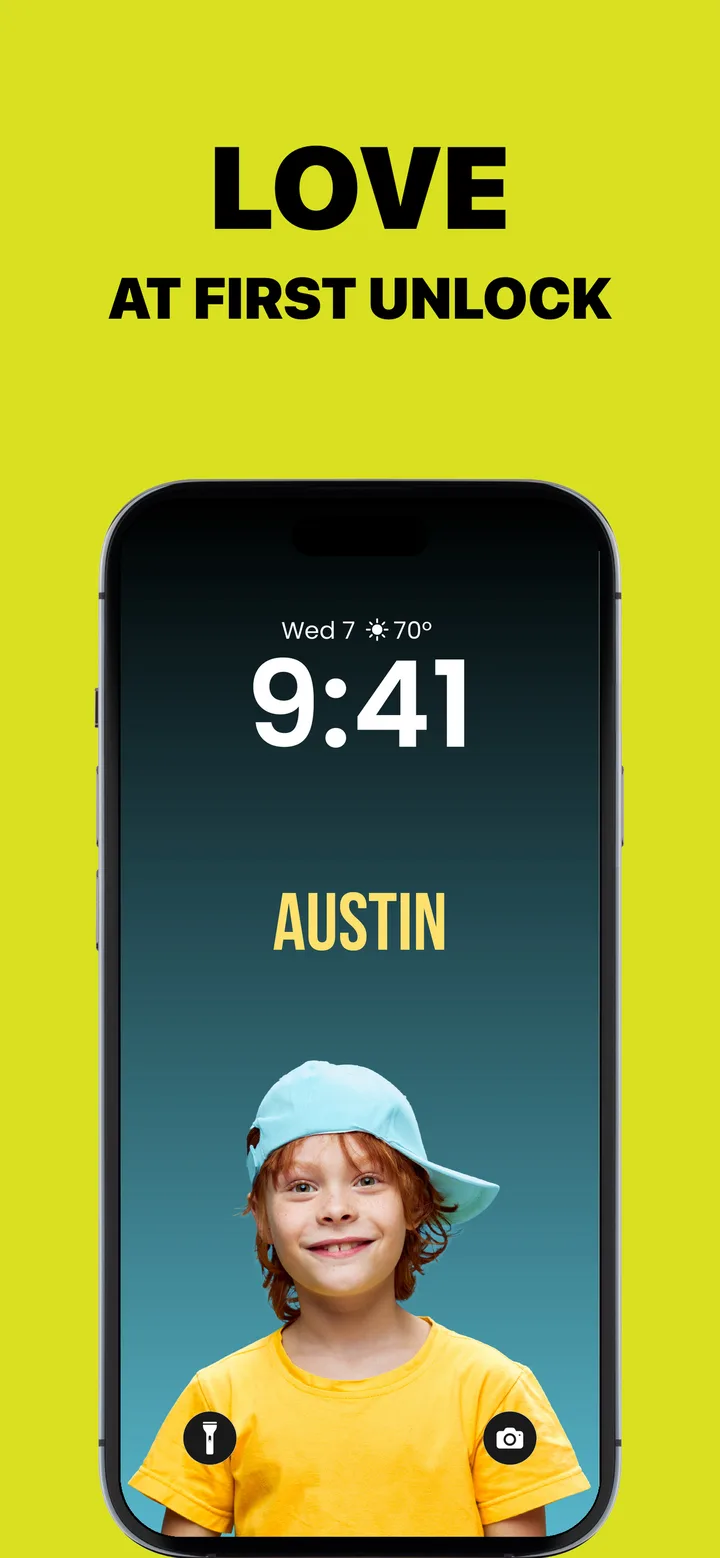
Save to Photos, then choose Share › Use as Wallpaper. WallyPaper walks you through it, and iOS adds the depth effect automatically when it fits.
Automatic cutout and framing using on-device subject and face detection. Your photos never leave your phone.
Pick a photo and WallyPaper cuts out your kid or pet in seconds, then places them with their face in view, clear of the clock and controls.
If nothing is detected, tap Use Whole Photo and carry on.
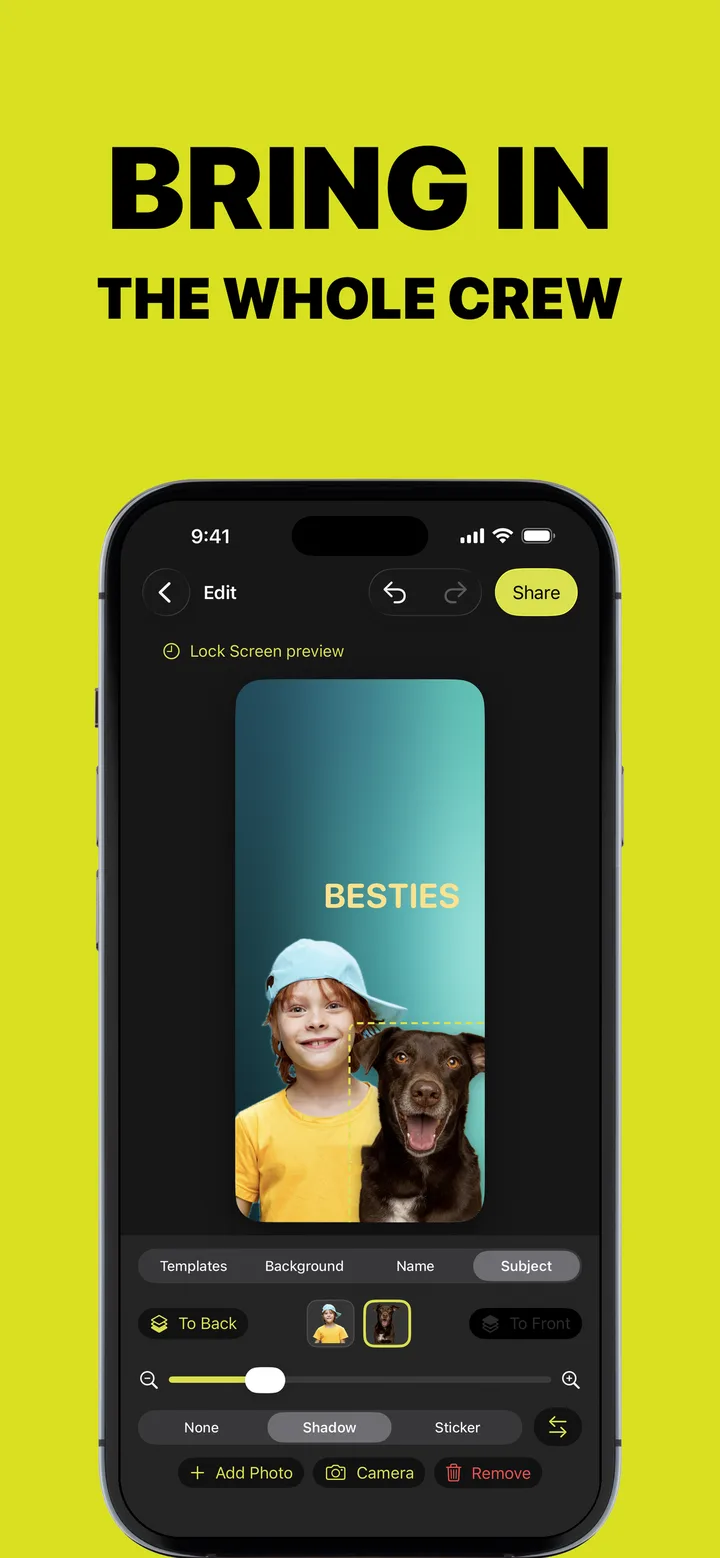
Two kids? A kid and the dog? Add another photo and put them on the same wallpaper, then tap to choose who is in front.

Drawn as die-cut stickers you can place anywhere. Party, animals, food, space, sports, hearts, holidays, bling.
Drag to move, pinch to resize, flip to face the other way. Give the cutout a soft shadow or a die-cut border.
A Lock Screen preview shows the clock and controls while you design, so nothing important ends up hidden. Rendered at your iPhone's exact screen resolution.
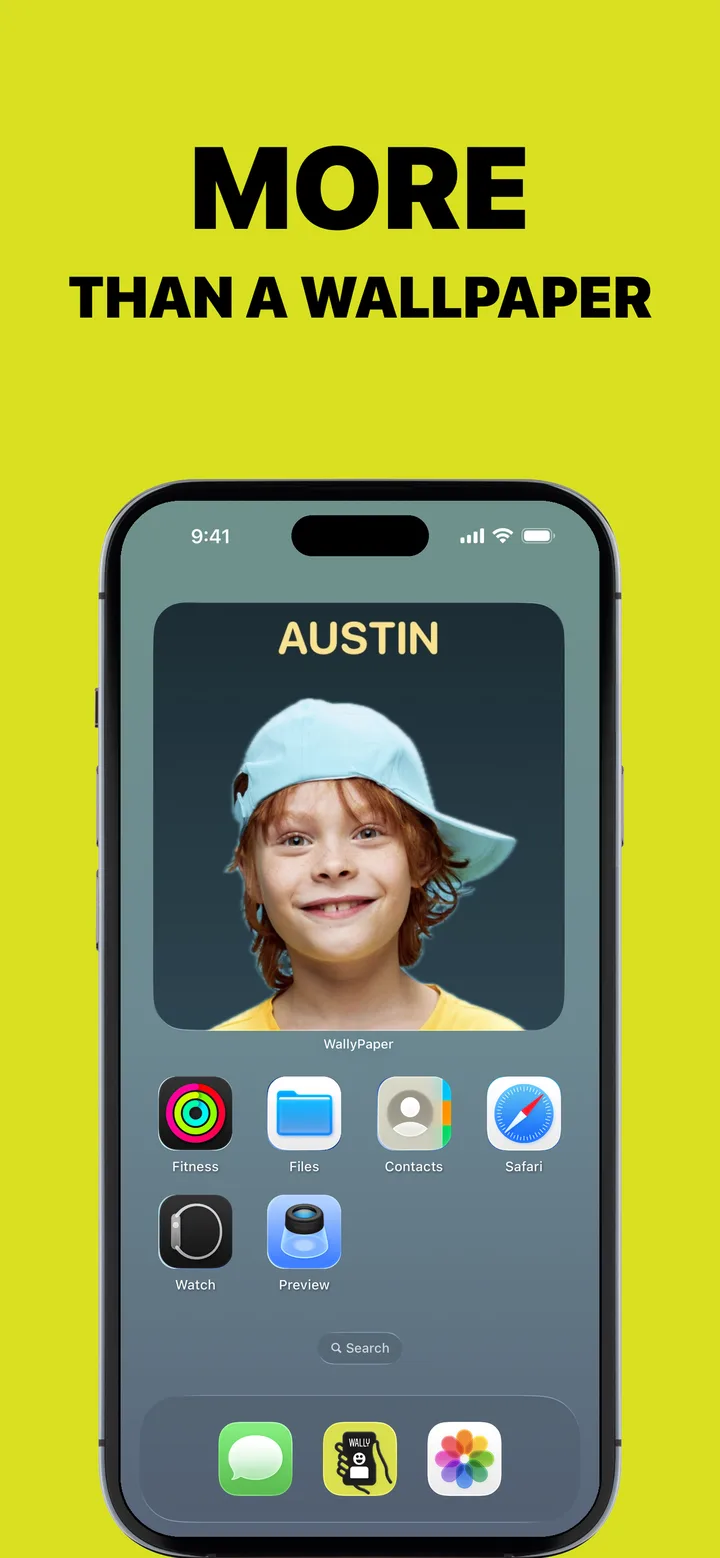
Place a widget on your Home Screen to see a rotation of your newest creations, faces kept in view.
AirDrop it to Grandma, or send it in Messages from the share sheet.

Every wallpaper lands in your library automatically. Reopen it, tweak it, duplicate it or remake it any time, with undo and redo.
One tap changes the whole look, and your name and layout stay right where you put them.

Curated solids, gradients and mesh gradients, plus holiday themes that appear as each occasion nears. Every one is drawn on your iPhone.
Any custom color with Pro
Sunset, Ocean, Peachy, Twilight, Candy, Lime, Aurora, Berry, Skyline, Ember and Neon City
Cotton Candy, Lagoon, Dusk, Meadow, Coral and Linen
They show up as each occasion nears. Birthday, Rainbow and Space stay all year.
Rounded, Classic, Serif and Mono designs. Regular, Bold and Black weights. Plain, Shadow, Outline and Pill styles. Any size, any position.
Minimal, Sunset, Sticker, Dreamy, Birthday and Polaroid, plus the Cyberpunk and Riso art styles, drawn right on your iPhone.
Polaroid gives every photo its own card. Tilt them into a pile, and the name is written on the card. Whatever template you tap, your name and layout stay right where you put them.
Free wallpapers carry a small WallyPaper mark near the bottom. Pro removes it and unlocks everything else. One tier, three ways to get it.
Try Pro for a month of birthdays, holidays and new looks.
7-day free trial for new subscribers. Less than two months of monthly, for the whole year.
Pay once. Keep Pro forever, on every iPhone signed in with your Apple Account.
Prices in US dollars; your local price is shown in the App Store. WallyPaper Pro is available as a monthly or yearly auto-renewable subscription, or as a one-time lifetime purchase. Payment is charged to your Apple Account at confirmation of purchase. Subscriptions renew automatically unless cancelled at least 24 hours before the end of the current period, and your account is charged for renewal within 24 hours before the end of the current period. Any unused portion of a free trial is forfeited when you purchase a subscription. Manage or cancel your subscription in Settings › Apple Account › Subscriptions. See the Terms of Use and Privacy Policy.
WallyPaper processes your photos entirely on your iPhone and never sends them anywhere. We run no servers, so there is nothing to collect.
The cutout is made by Apple's Vision framework on your device. WallyPaper uses the system photo picker, so it only ever sees the photo you choose.
No account, no analytics, no advertising, no crash reporting and no third-party SDKs. The app itself makes no network connections.
Pro is sold through the App Store with StoreKit. We never receive your name, email, payment details or Apple Account information.
Your people. Your pets. Your wallpaper. Free on the App Store for iPhone.
